Create a secure database
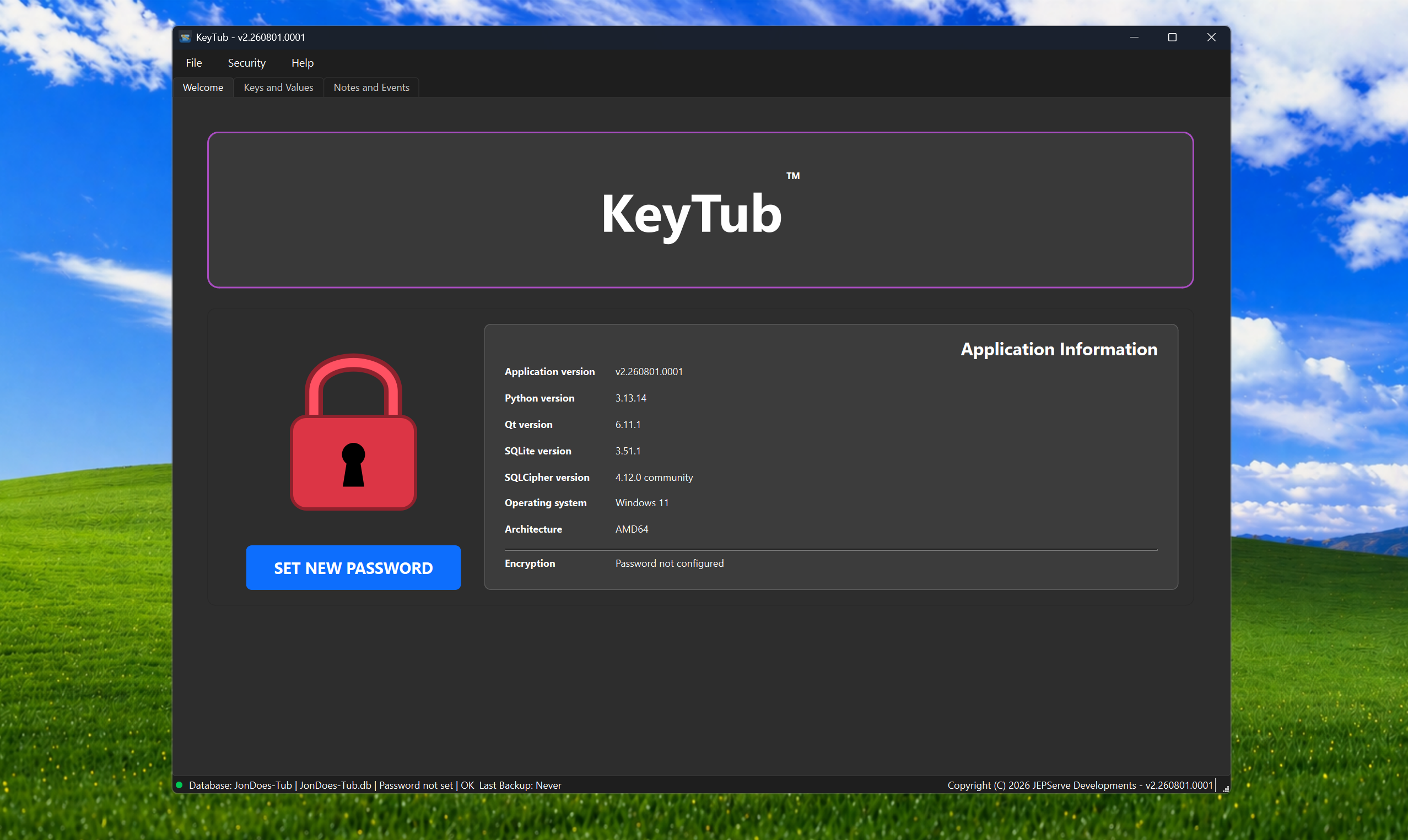
Set a password for a new local database before storing your first record.
Screenshots
Explore KeyTub’s main screens, from creating an encrypted database to organising records, notes and reminders.
Set a password for a new local database before storing your first record.
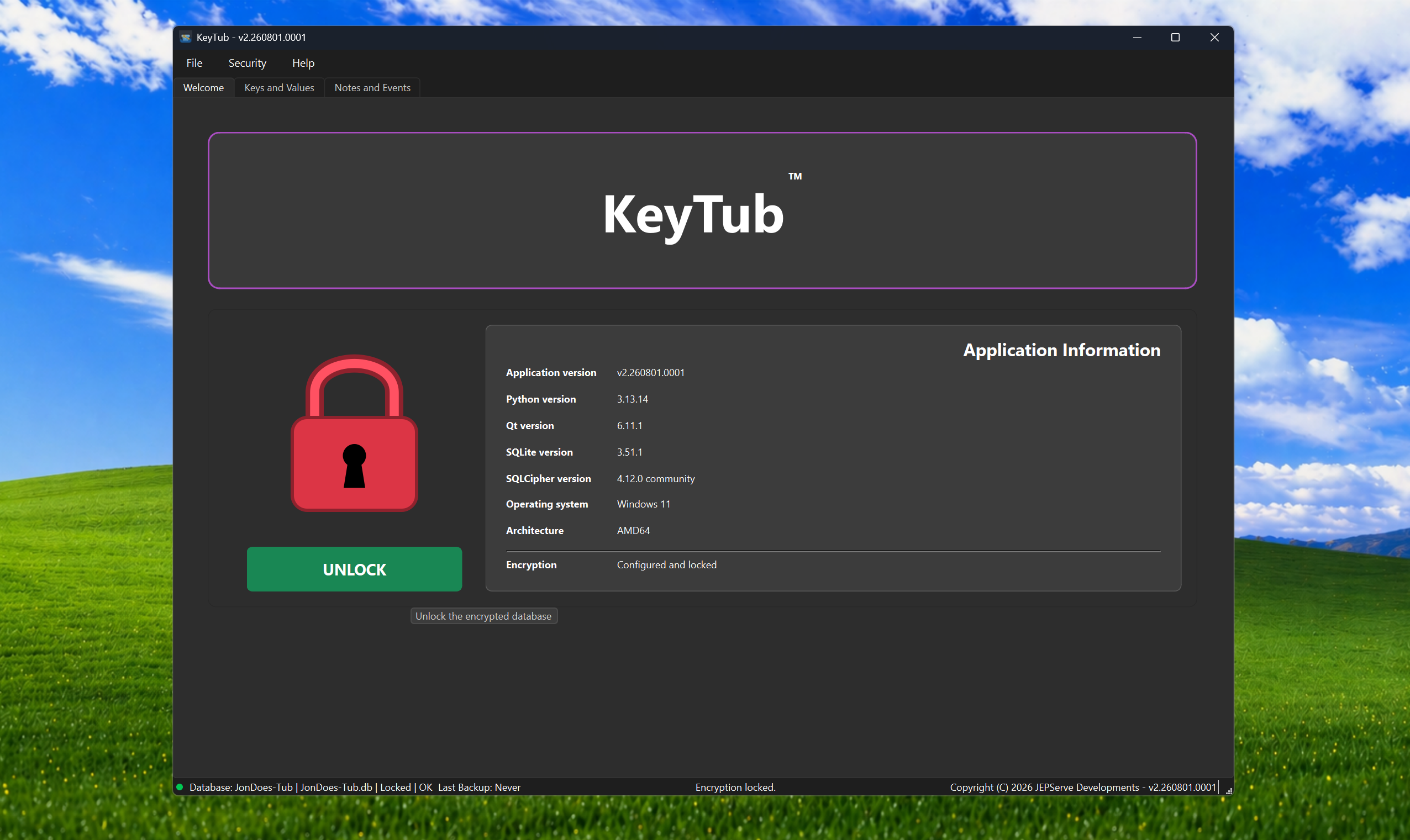
A newly configured database remains locked until the correct password is entered.
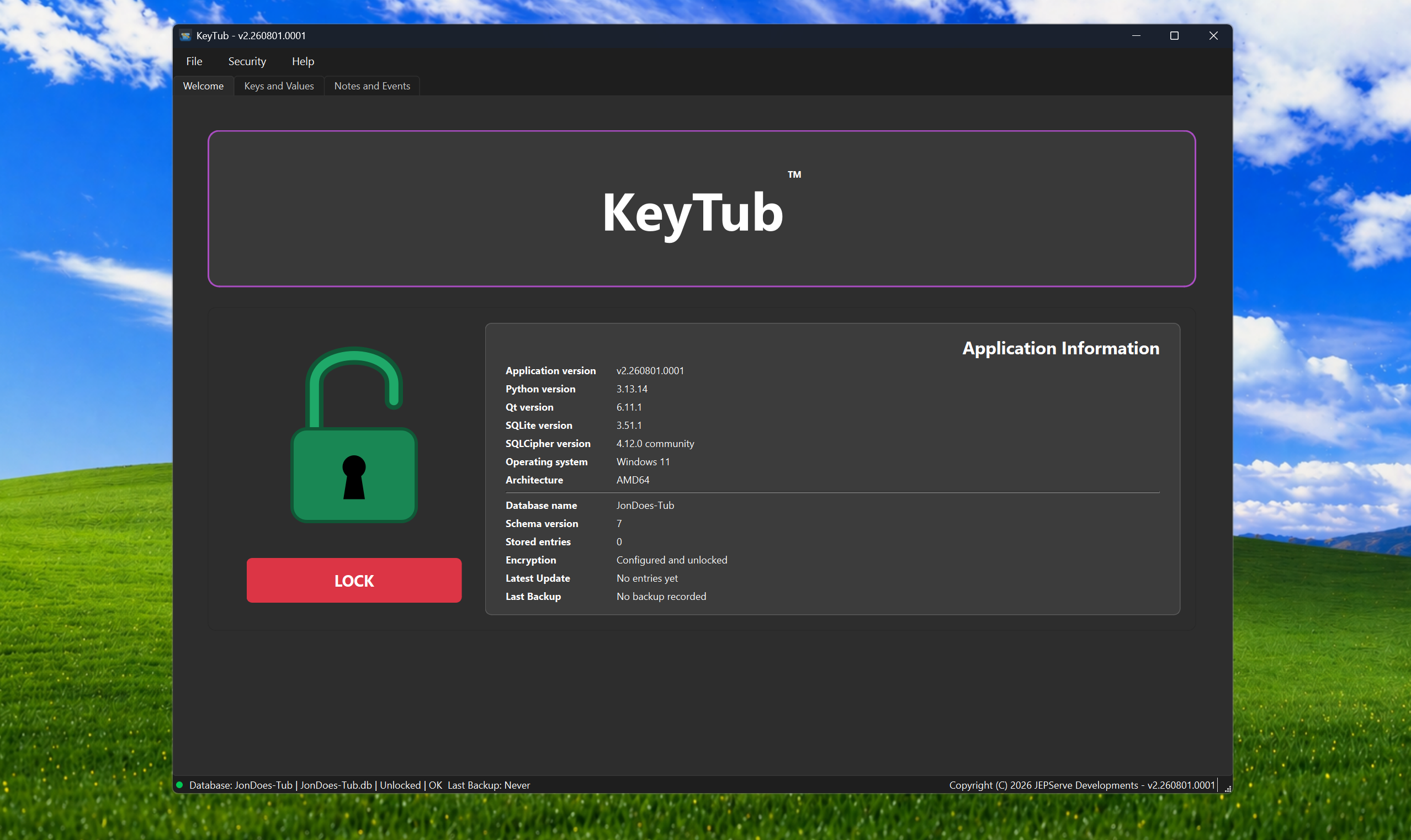
Clear security, database-health and backup information is visible at a glance.
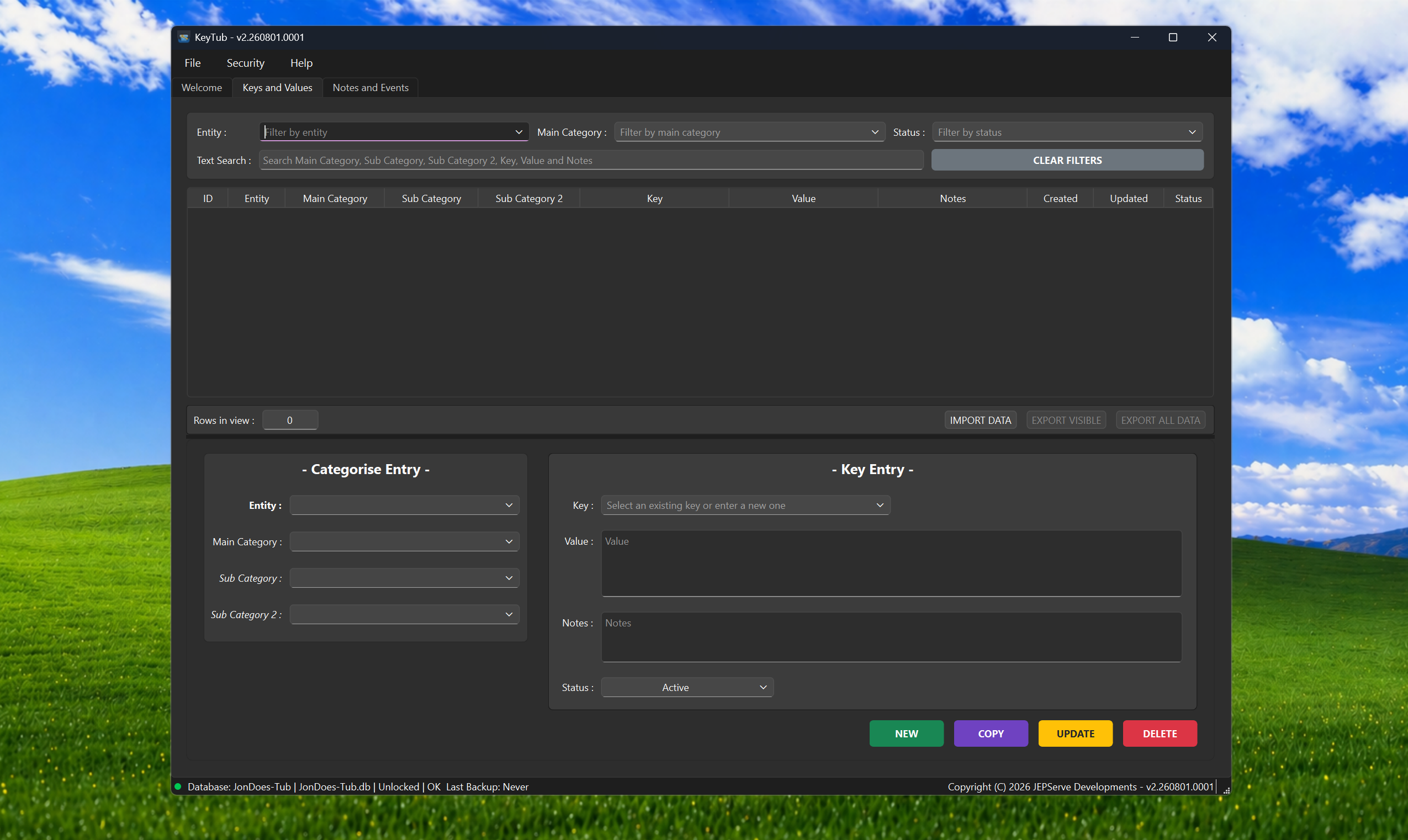
The Keys and Values workspace is ready for structured categories and records.
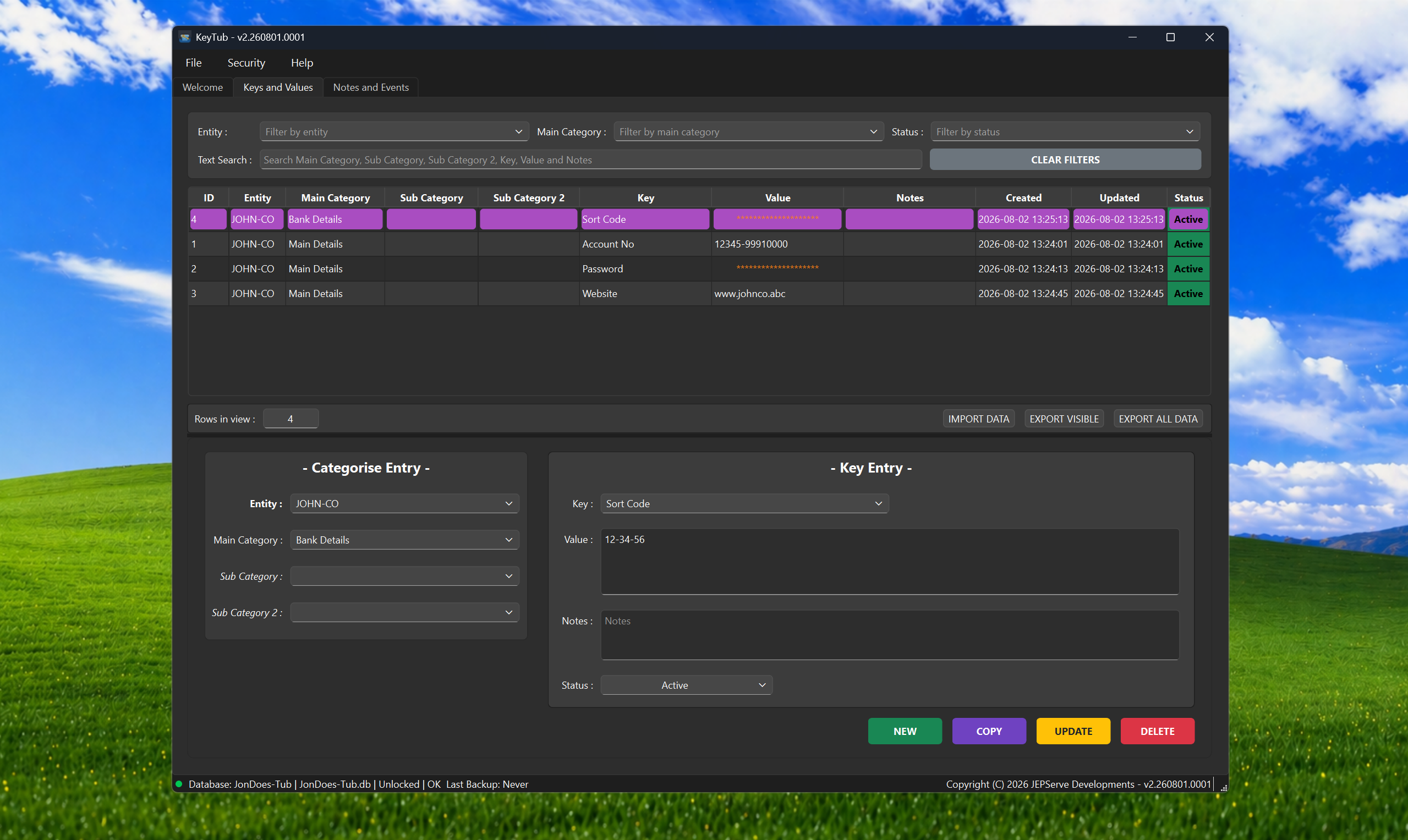
Search, filter and maintain related keys and values with sensitive data masked.
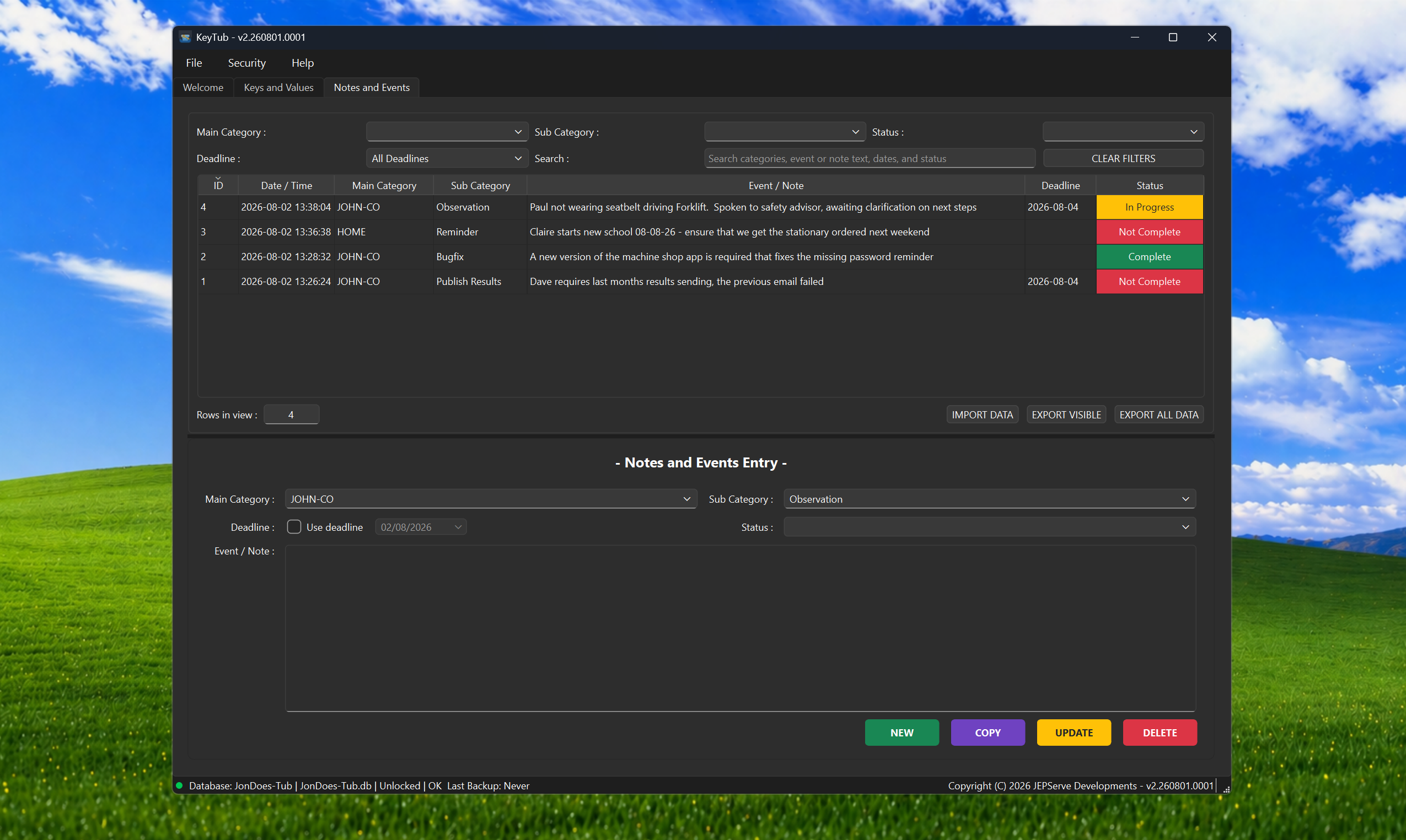
Track events and tasks with searchable text, deadlines and colour-coded status.
KeyTub is free to download, with no account or cloud sign-in required.